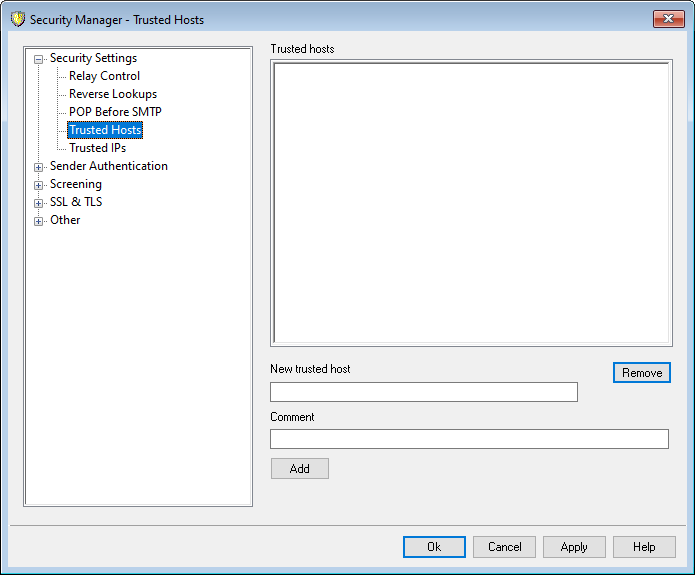
On various dialogs and security features throughout MDaemon you will see options that allow you to choose whether or not "Trusted Domains" will be exceptions to or exempt from those options. The domains you list on this screen are the ones to which those options refer.
|
The domain names specified here are exempt from numerous security requirements including no-relay rules, forced authentication, RFC requirements on message format, and possibly other restrictive security settings depending upon your configuration. They are compared to the domain in MAIL FROM commands, not the FQDN in HELO/EHLO commands. Since the domain in the MAIL FROM command can be easily spoofed, you should exercise caution with this option. Do not make a domain trusted unless you know you need to do so and it is safe. |

Trusted domains
This is the list of domains that will be exempt from certain designated security options.
New trusted domain
Enter a new domain to be added to the Trusted domains list.
Comment
Use this for any comment text about an entry.
Add
Click this button to add the new domain to the Trusted domains list.
Remove
Click this button to remove the selected entries from the Trusted domains list.